This chapter is composed of :
In this section you will learn how to use Database Diagram Editor properties.
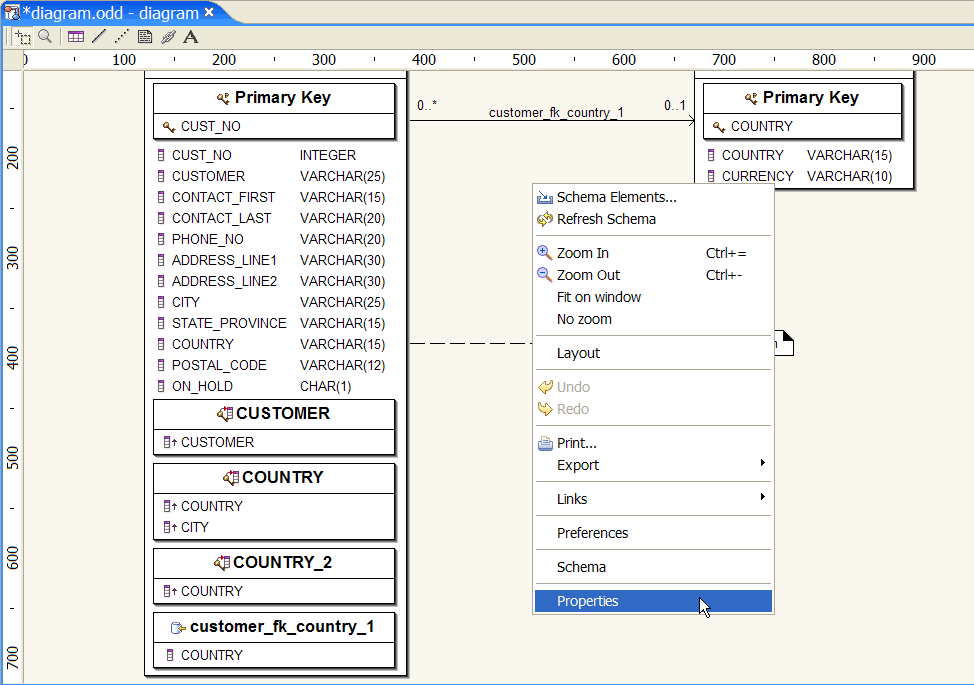
Be sure that nothing is selected in the Diagram Editor, right-click and select :
Properties
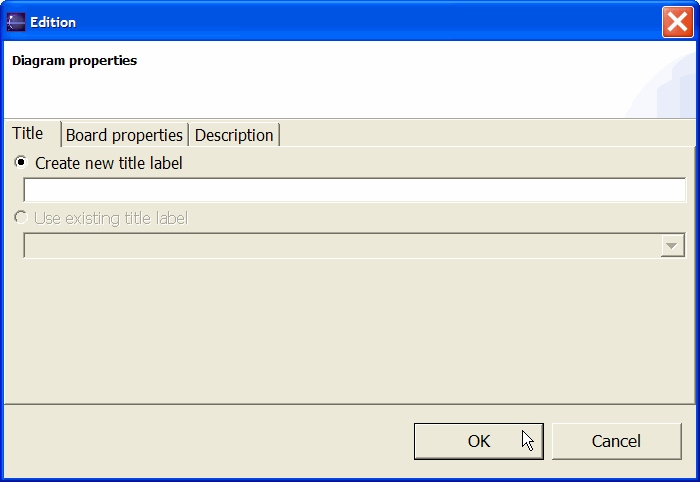
Three Tabbed folders are available :
Database Diagram Title.
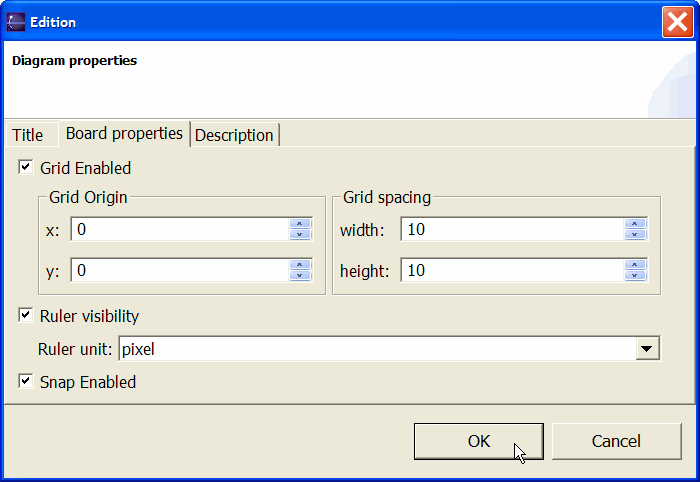
The Diagram Board page inherits the UML Diagram Board Global Preferences when you create a Database Diagram.

Database Diagram description.
