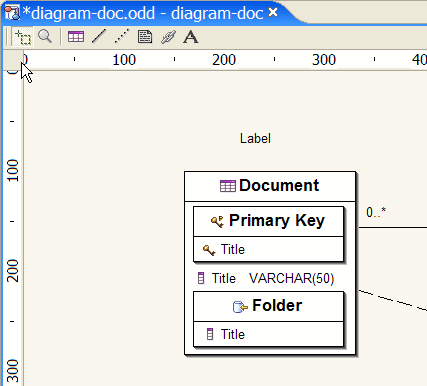
Selection mode
 Zoom mode
 Create a Table
 Create an Association
 Create an indication
 Create a note
 Create a diagram link
 Create a text label
This chapter is composed of :
This section describes the tools provided in order to build a Database Diagram.
Selection mode
Zoom mode
Create a Table
Create an Association
Create an indication
Create a note
Create a diagram link
Create a text label
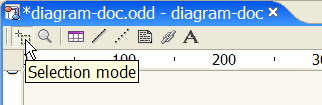
Select the Selection mode tool.
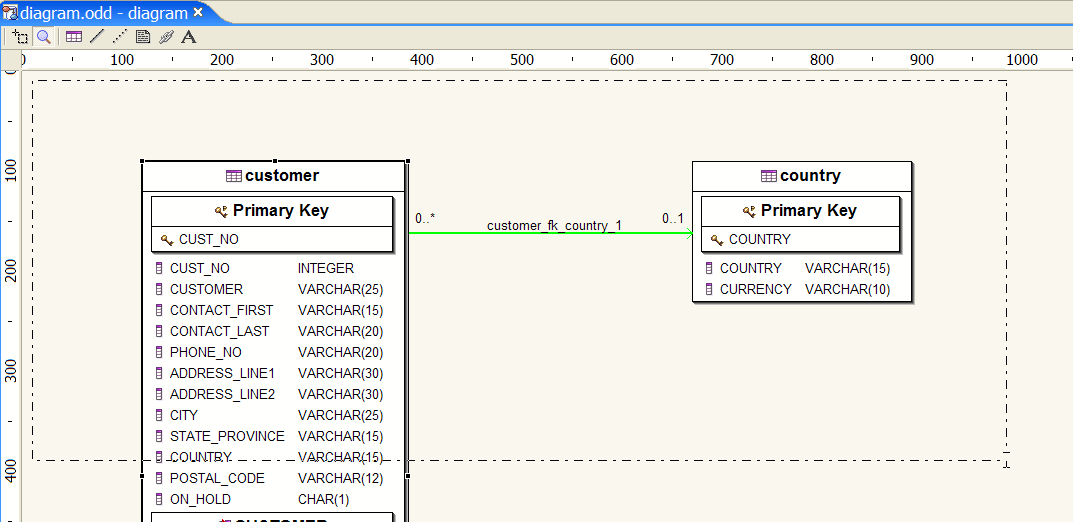
Drag a set of Database Objects.
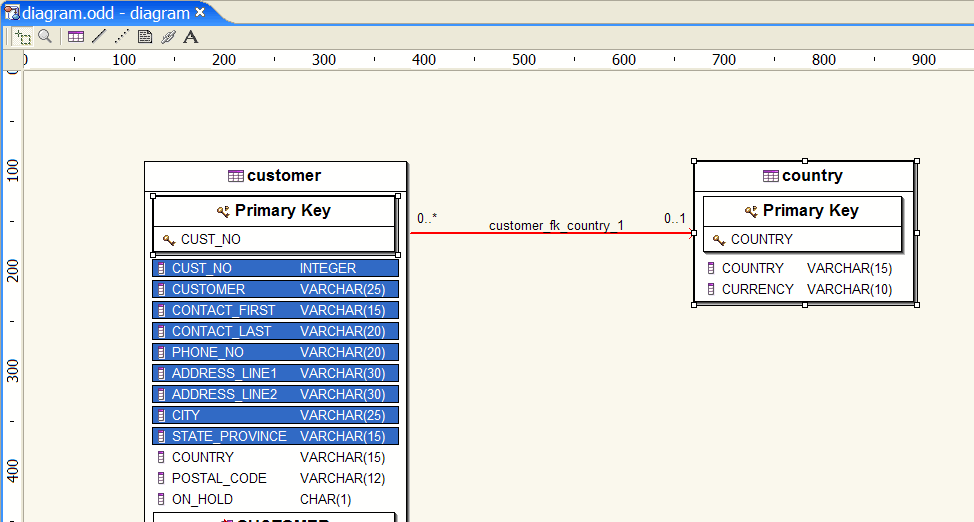
As a result, a set of Database Objects is selected.
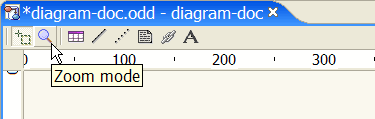
Select the Zoom mode tool.
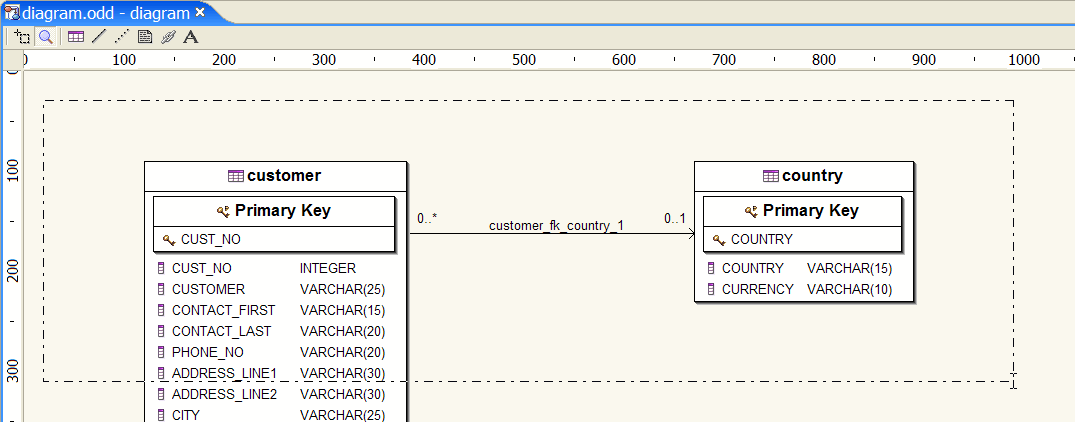
Drag a set of Database Objects.
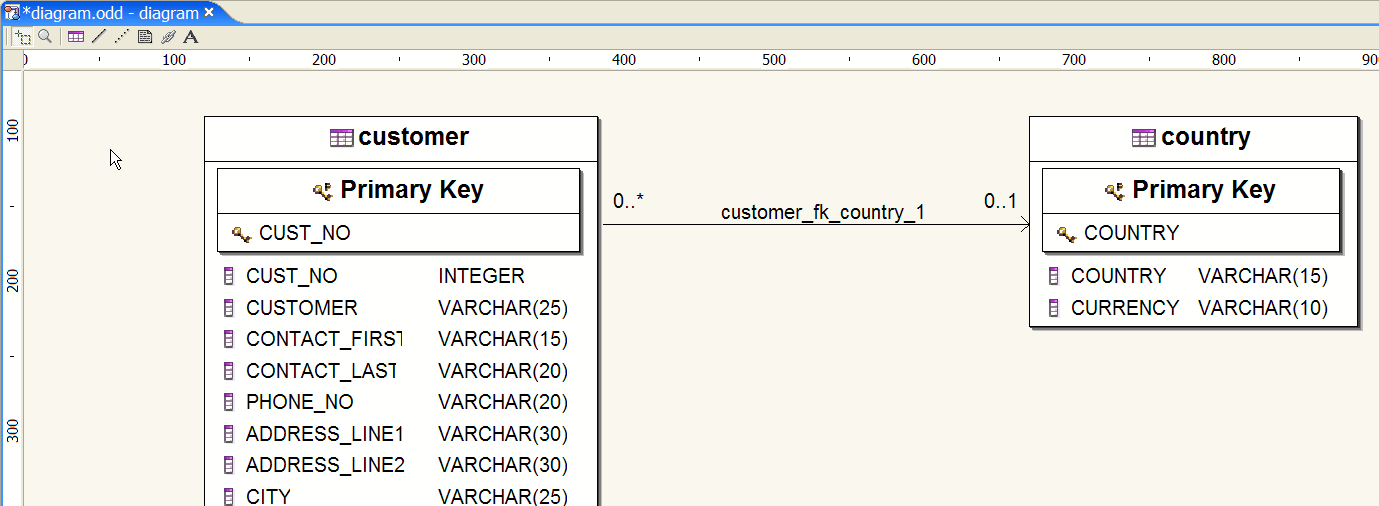
As a result, a set of Database Objects is zoomed.

Select the Create a Table tool.
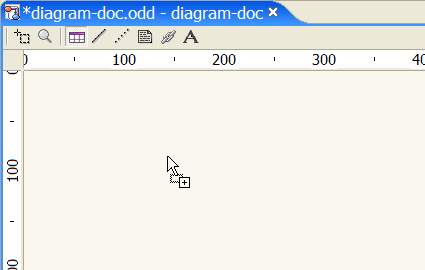
Target an area in your diagram or size your new Database Table.
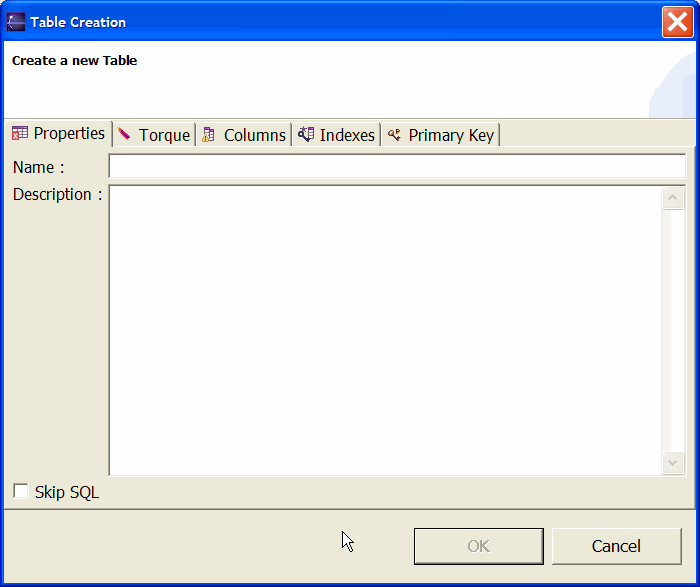
As a result, a Database Table is created.
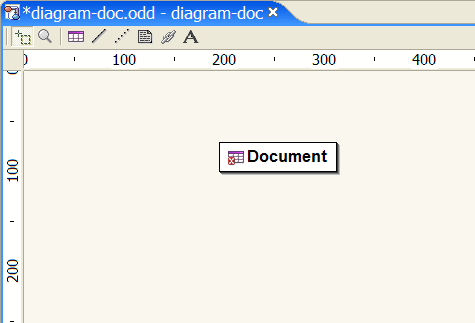
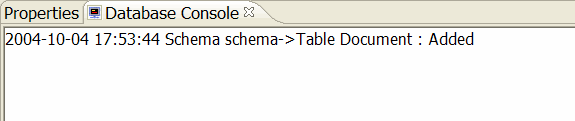
This Database Table has an error as no Database Columns have been defined.
A detailed output is displayed in the DatabaseConsole.
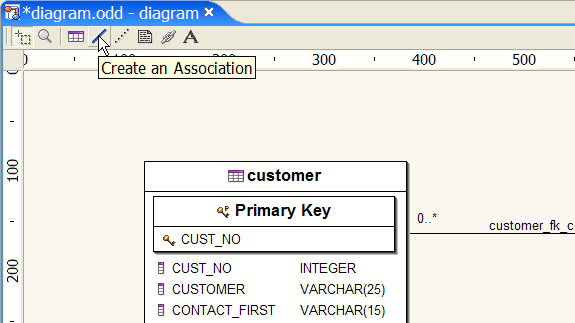
Select the Create an Association tool.
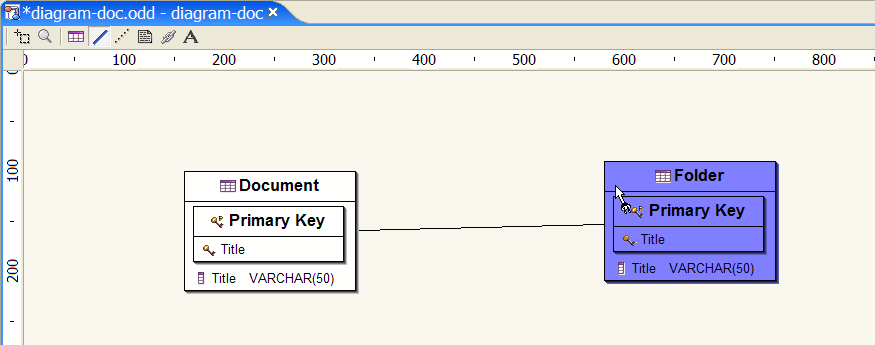
Select a Database Table and drag to the targeted Database Table.
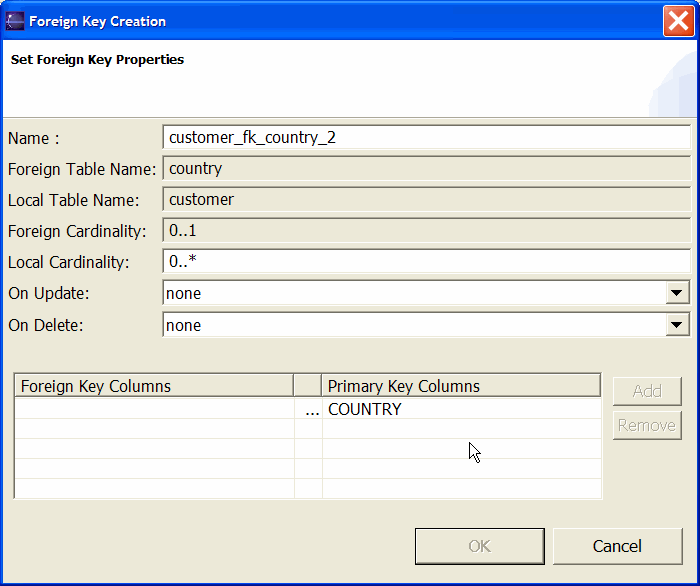
As a result an association is created.
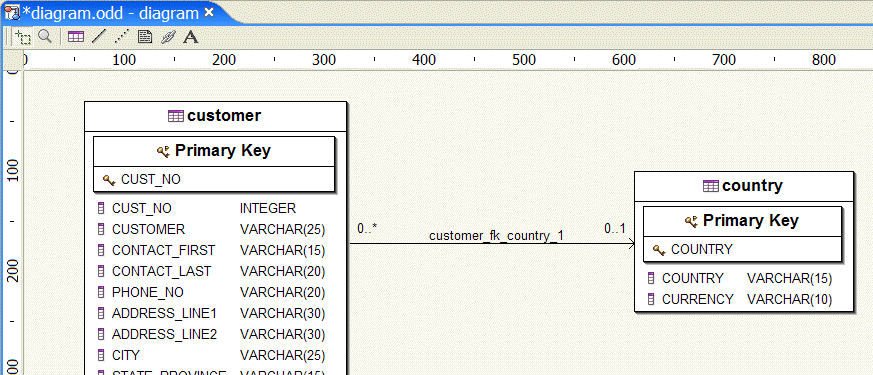
A detailed output is displayed in the DatabaseConsole.

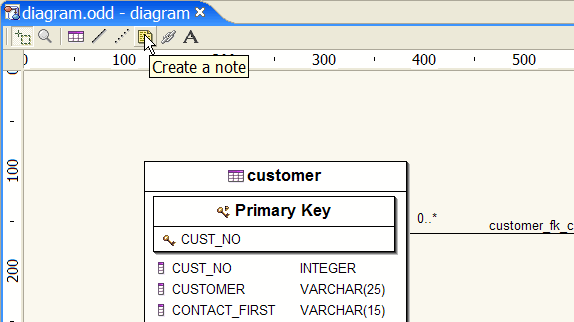
Select the Create a note tool.
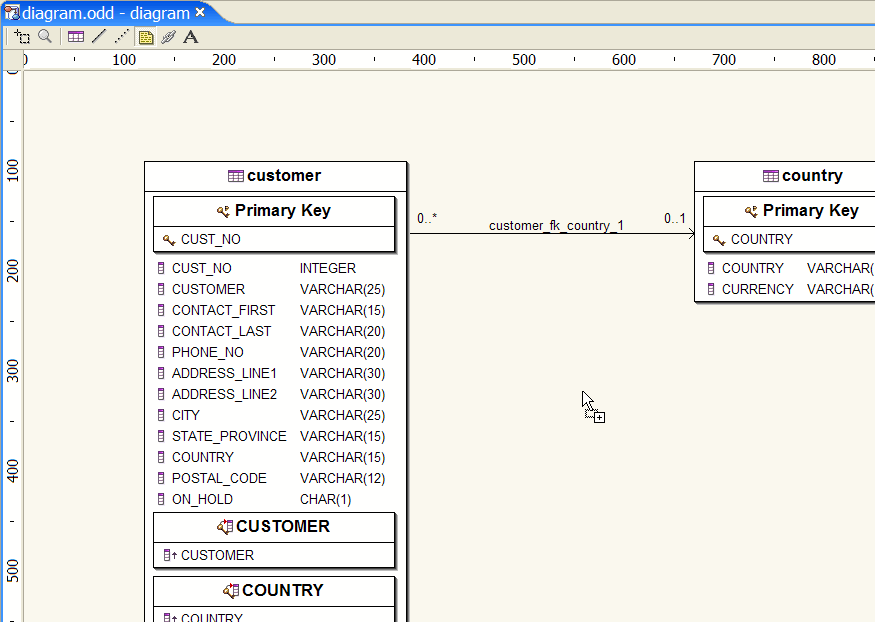
Target an area in your diagram or size your new Note.
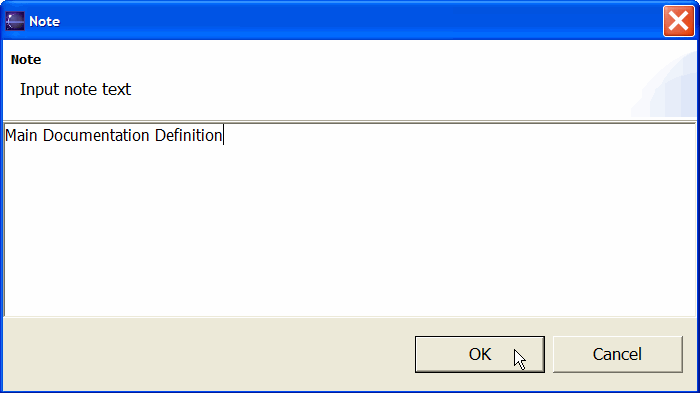
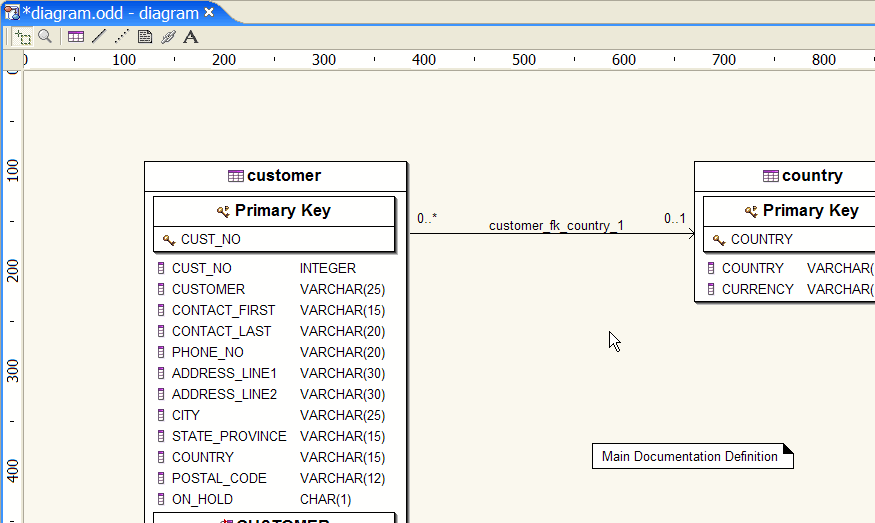
As a result a new Note is created.
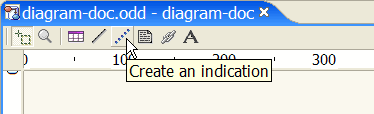
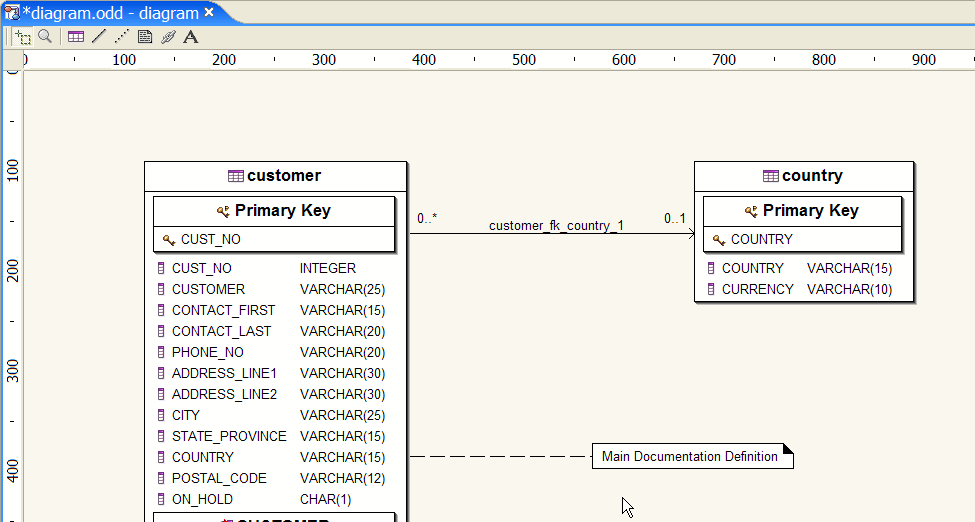
Select the Create an indication tool.
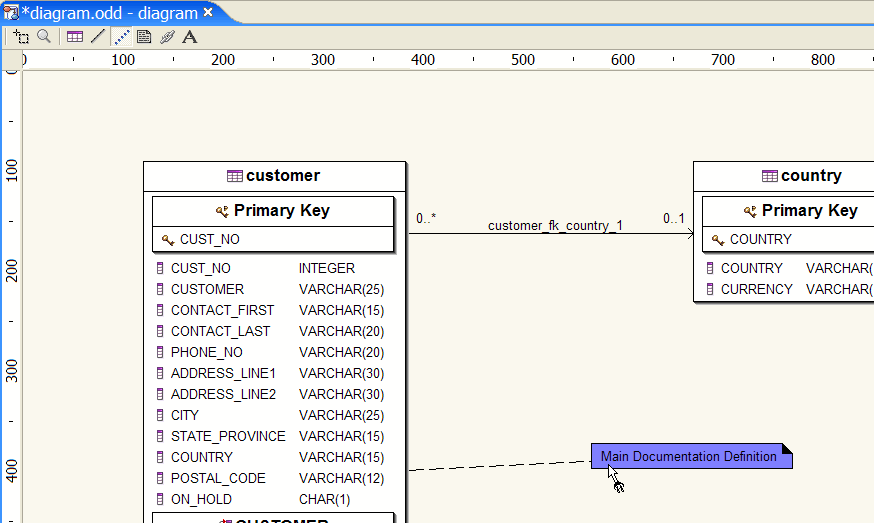
Select a Database Object and drag to the targeted Note.
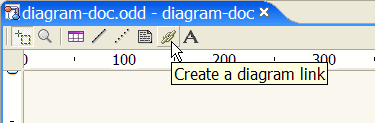
Select the Create a diagram link tool.
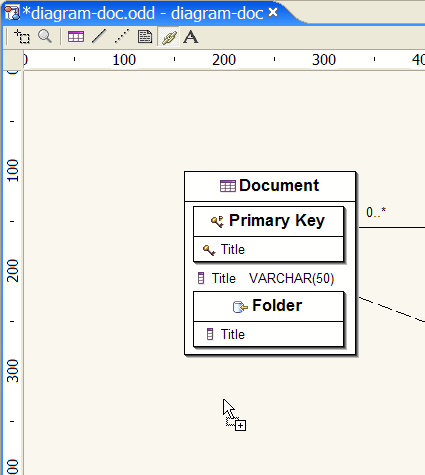
Target an area in your diagram or size your new link.
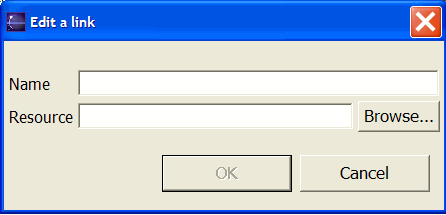
As a result a new link is created.
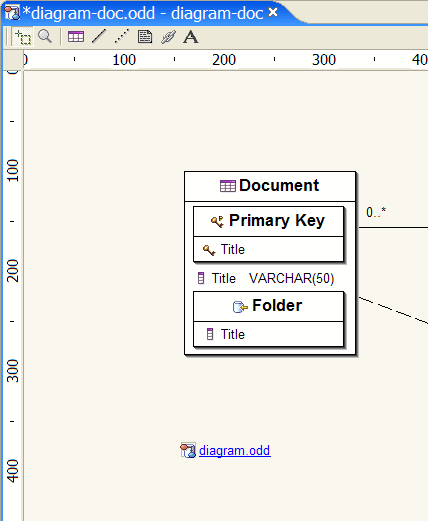
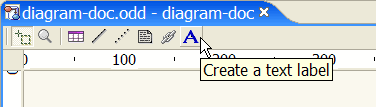
Select the Create a text label tool.
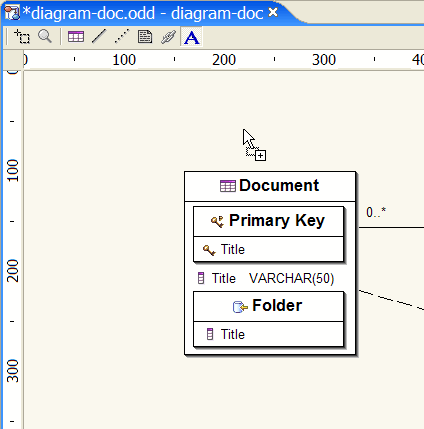
Target an area in your diagram or size your text label.
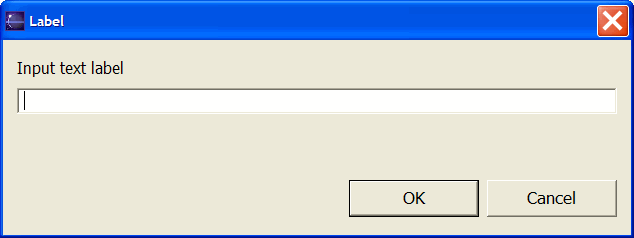
As a result a new text label is created.